Every guest is a photographer.
Share one QR code. Guests scan it and start shooting, with no app or account needed, and every photo and video lands in one live album you control.
Guests scan one QR code and start shooting. Every shot lands in one live album.
Free for up to 10 guests. One-time price per event when you need more. No subscription needed.
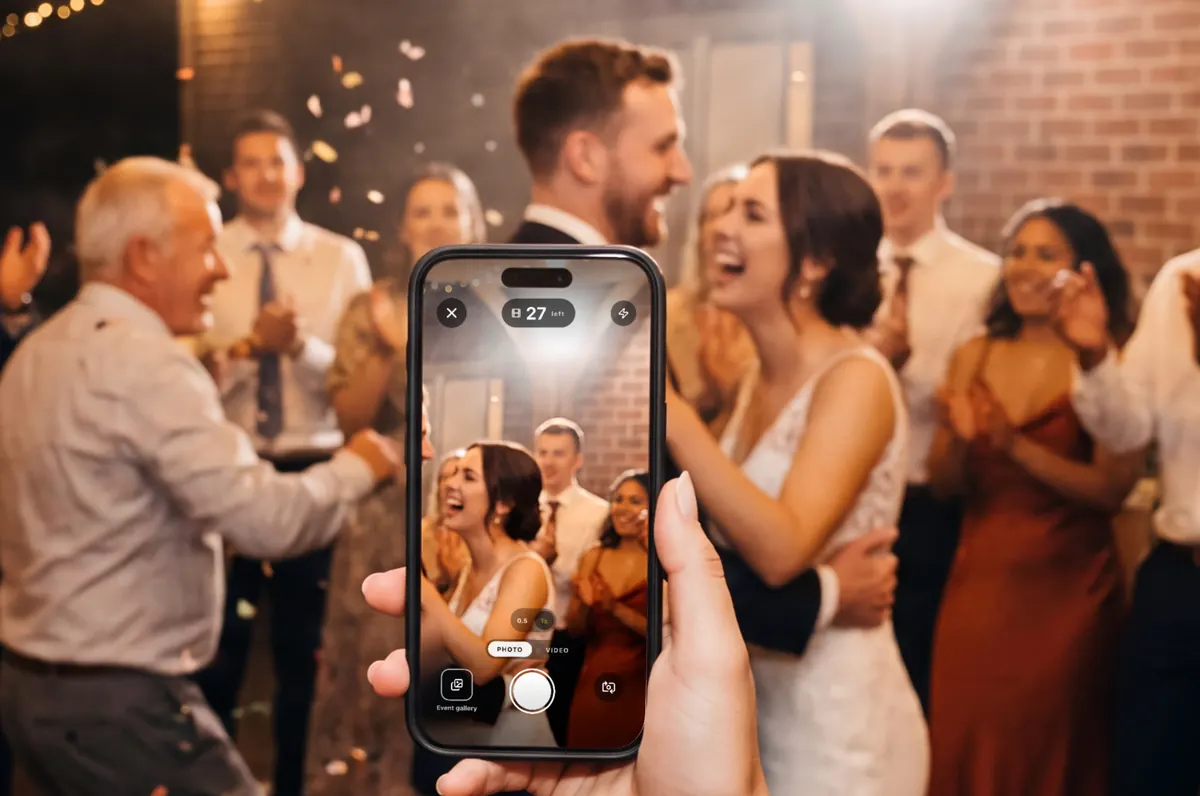
Your photographer is one person. Your guests are 120.
She’ll get the vows and the first dance. She can’t also be at table nine when your grandfather tells that story, or out on the patio at midnight. Your guests are.
A good photographer is worth every dollar, and you should hire one.


Disposable mode
The magic of not seeing the photo.
No preview and no retakes: every shot uploads the moment it’s taken. Each guest gets a set number of shots, so every frame counts.
Choose 10, 12, 24, 36, 48 or 72 shots per guest, or unlimited shots on the Unlimited plan. The no-preview camera is in the iPhone app; guests in a browser use their phone’s own camera, with the same shot count.

Your shots are used up
Thank you for capturing this event!
Shots per guest
Unlimited shots, on the Unlimited plan
A demo of the shot counter. Nothing is taken or uploaded.
Scan. Shoot. That’s the whole setup.
-
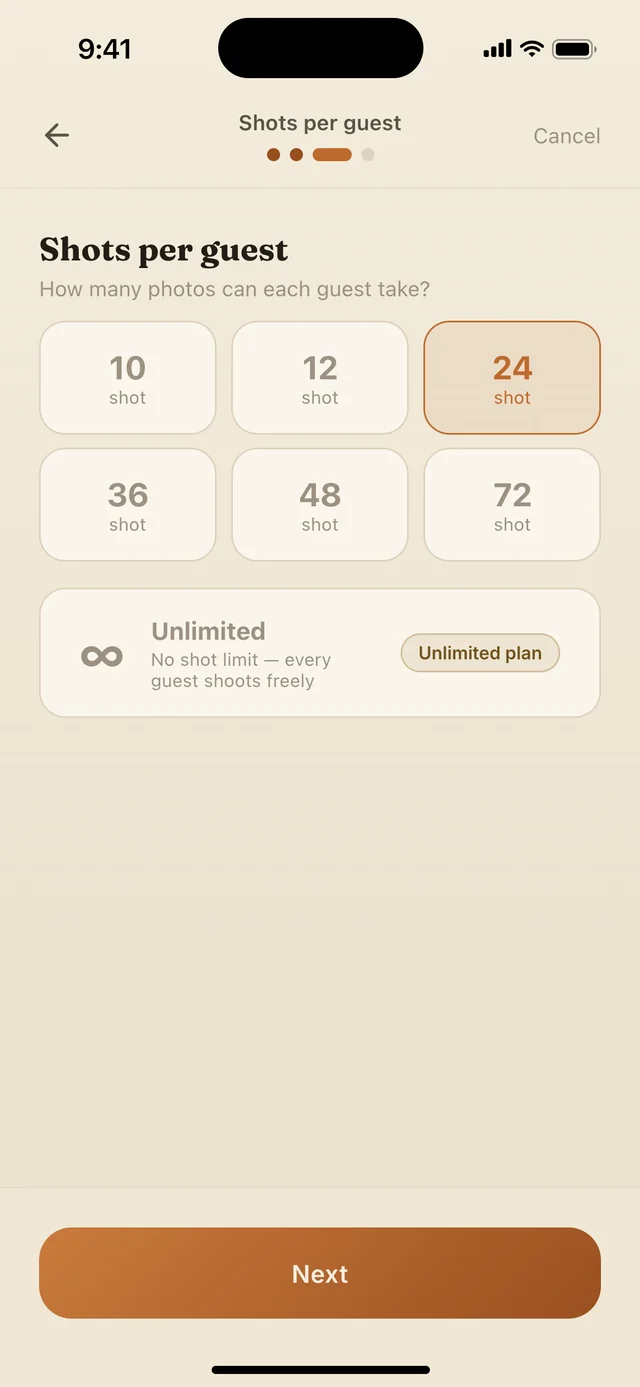
First
Create your event.
Name it, add the date and choose how many shots each guest gets. Your QR code is ready in the app, and you don’t need an account to start.
-
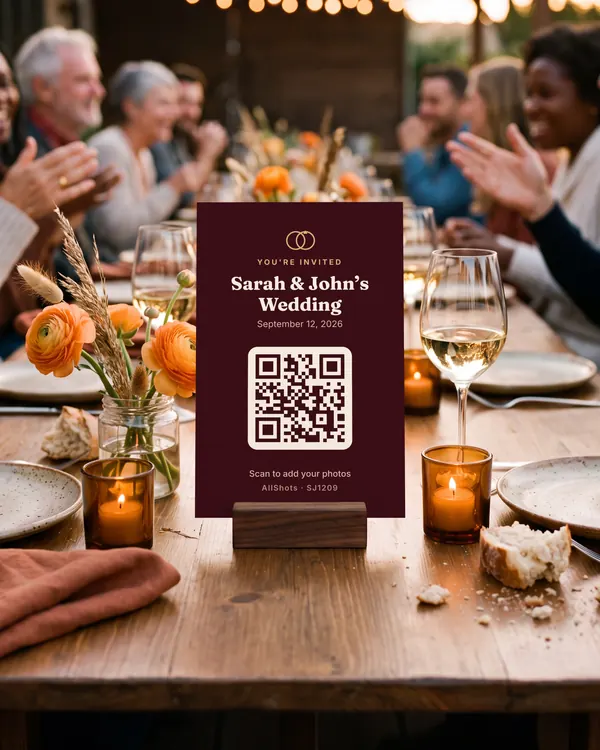
Then
Put a card on every table.
Pick one of 12 card designs with your QR code built in. Save it to Photos to print, or share it with the invite.
-
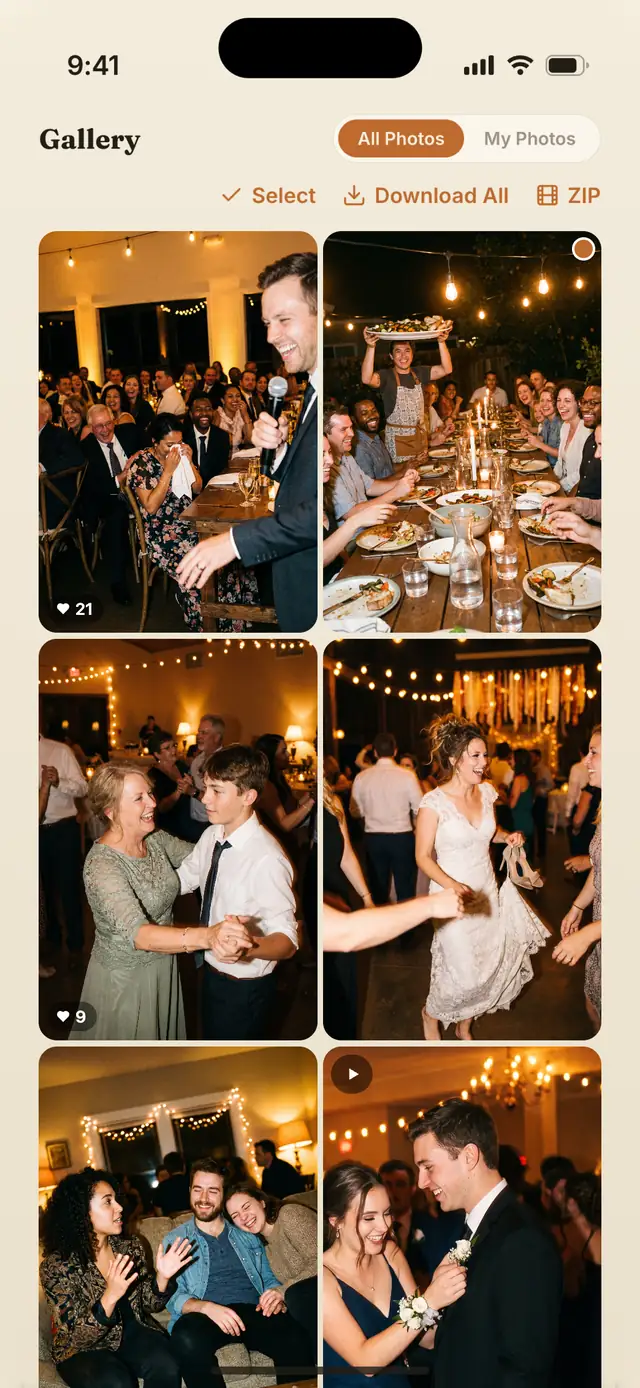
After
Relive it together.
Every photo lands in one live album as it’s taken. When the night is over, download the whole event as one ZIP, on every plan.

Any phone can join.
The QR code opens a page in the phone’s browser, on iPhone or Android. Guests tap Photo and their phone’s own camera opens. There’s nothing to install.

- Name or anonymous. Guests can add a name or stay anonymous. No account, no password.
- iPhone or Android. Any modern phone browser works. Guests with the iPhone app can use it instead, and everything lands in the same album.
- Lost the card? The 6-character code works too, at allshots.app/app.
- Words and voices too. On Medium and Unlimited, guests can leave a written note or a voice message from the browser as well.
Everything the night needs.
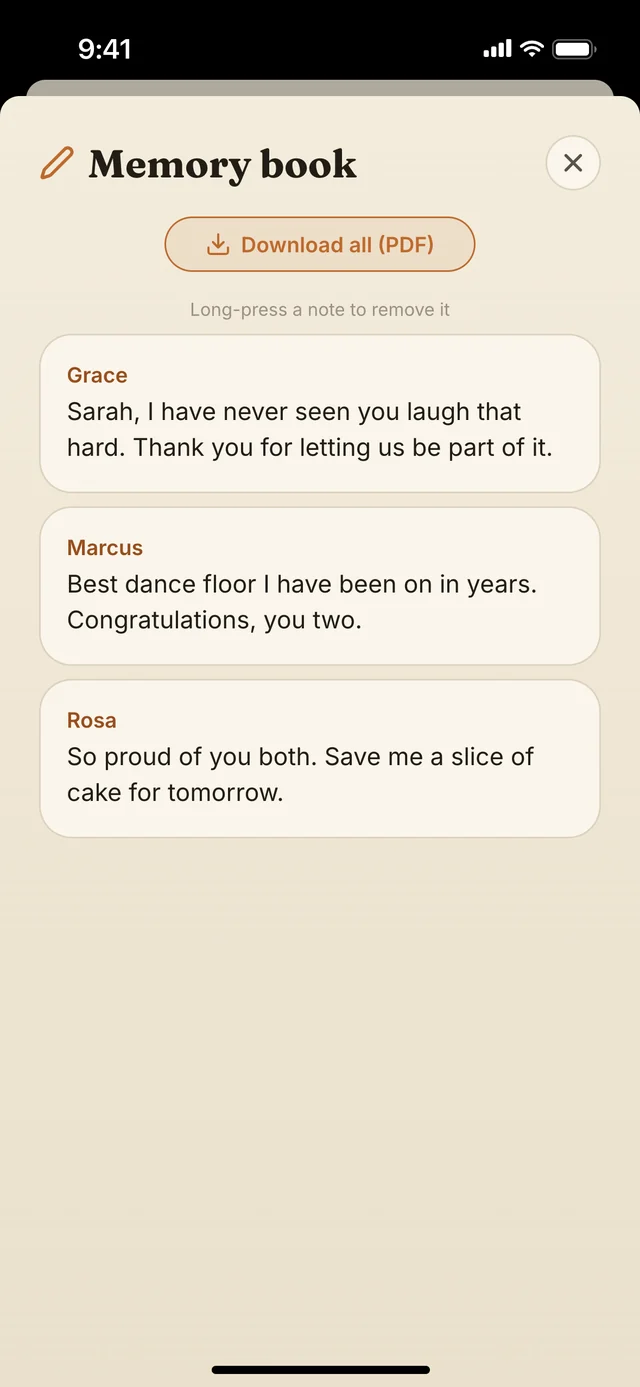
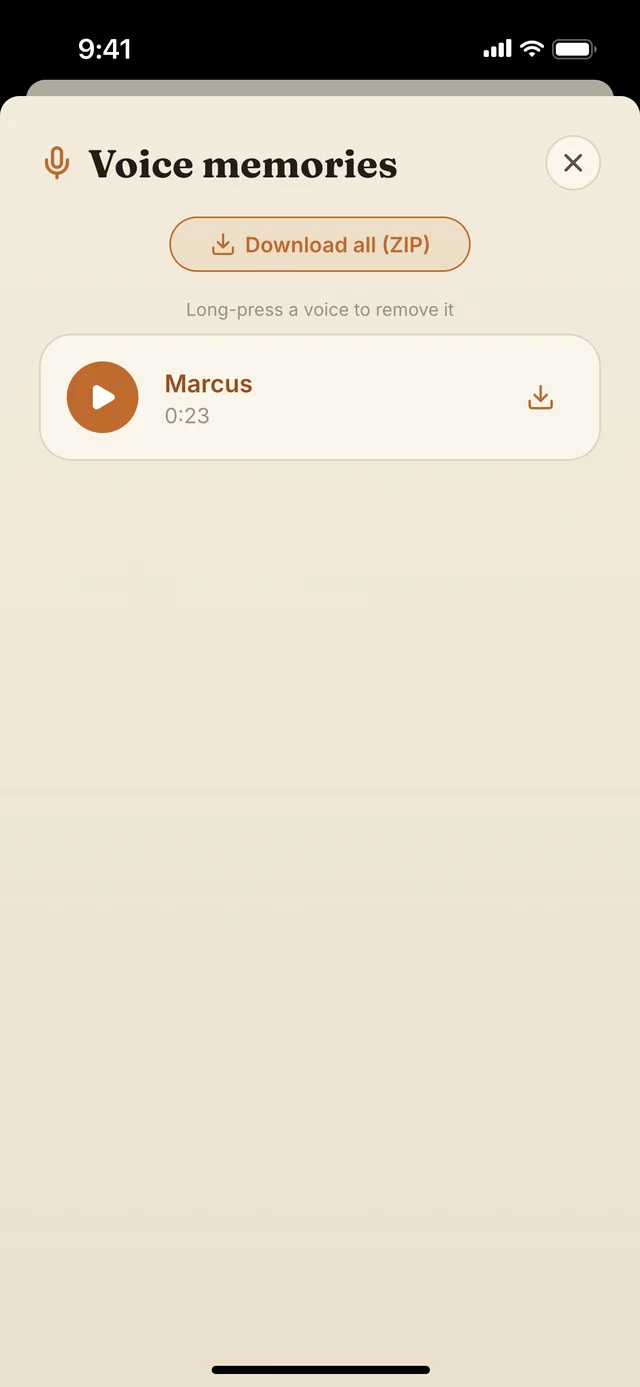
Words and voices.
On Medium and Unlimited, each guest can leave one written note of up to 240 characters and one voice message of up to 60 seconds. Download the notes as a PDF and the voices as a ZIP.
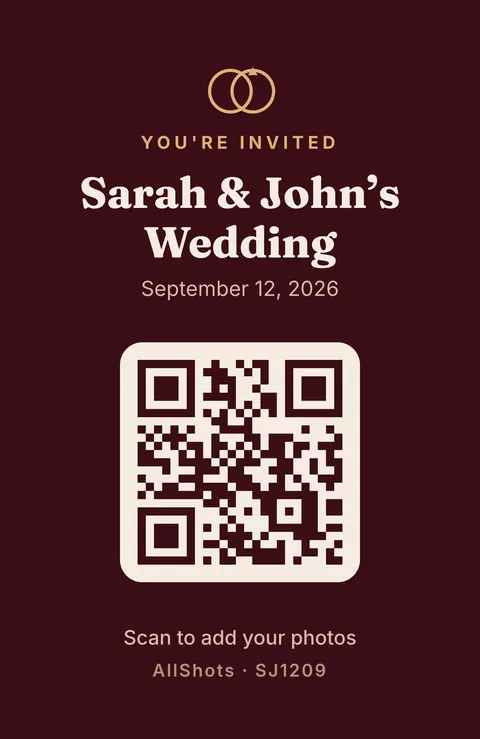
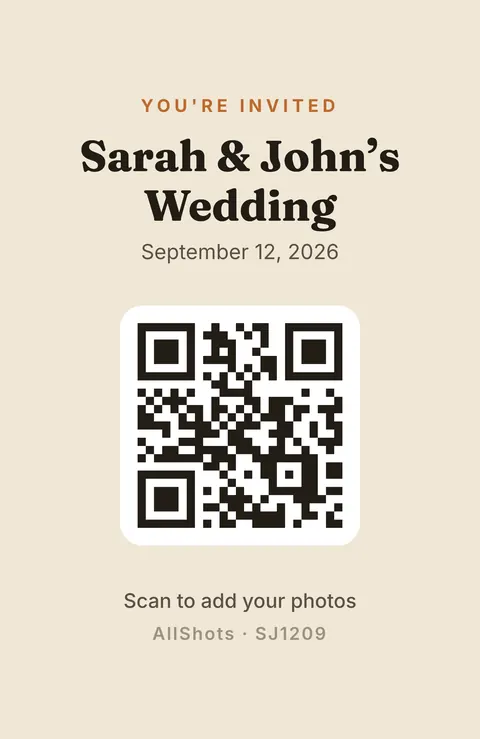
A card for every table.
12 invitation and table-card designs, each with your QR code built in. Save one to Photos, print it or send it.
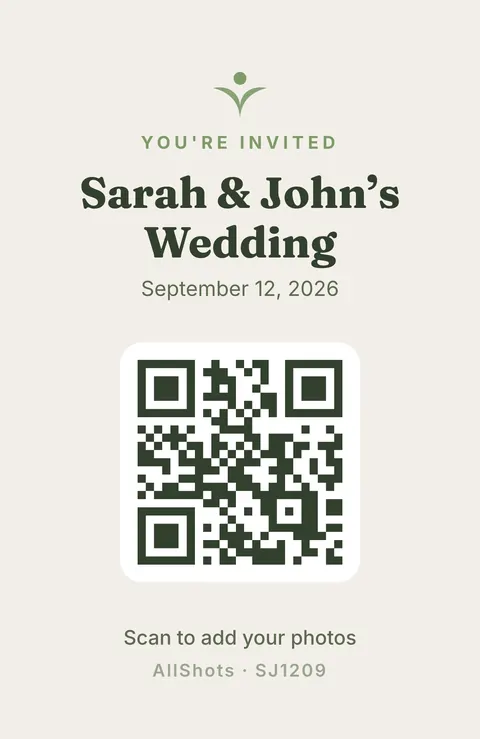
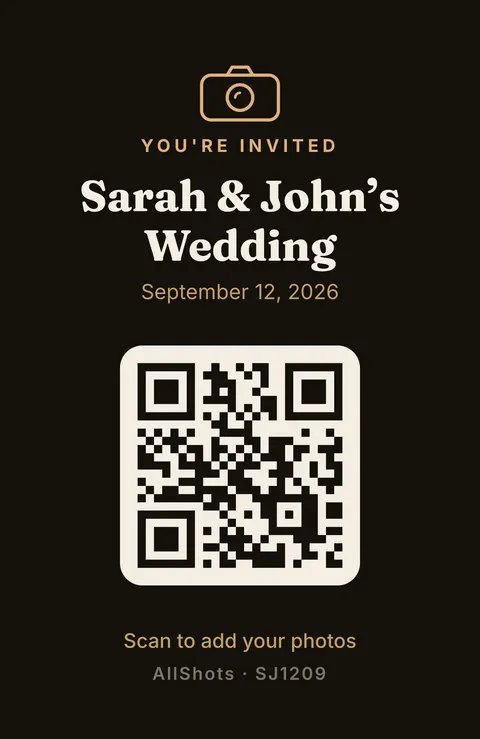
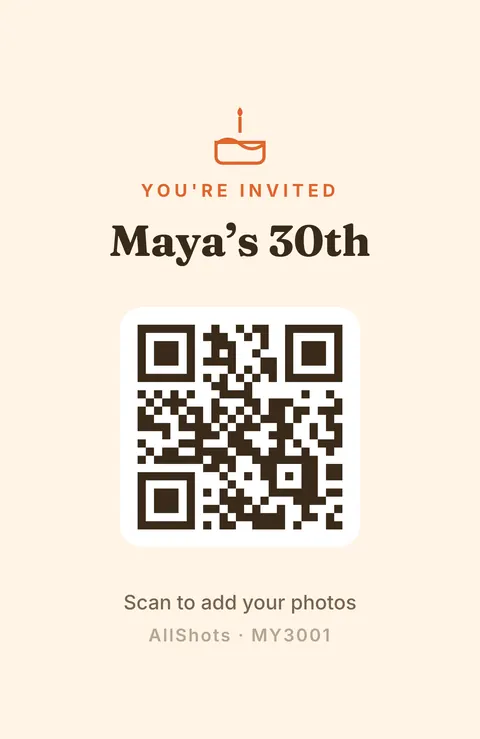
Elegant 1 / 5
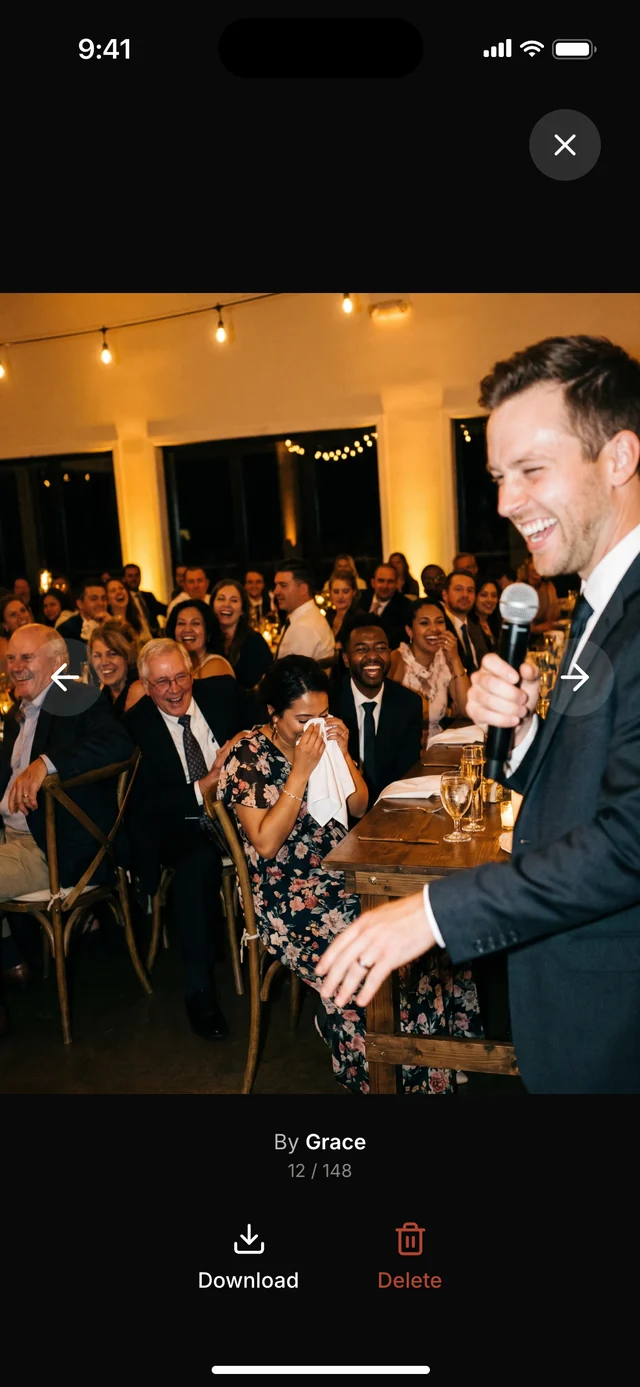
You decide what stays.
Delete any photo from the album. Anything a guest reports is hidden at once while it’s reviewed. End the event when the night is over, and uploads stop.
Shared or private.
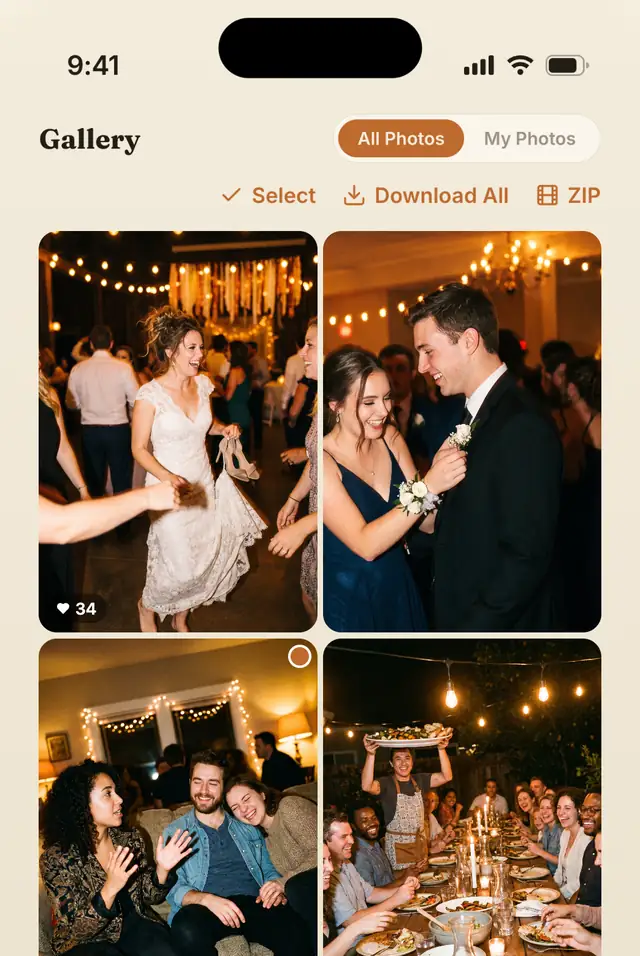
In a shared album, everyone who joins can browse every photo. In a private album, guests keep shooting and only you see the whole album.
Gallery
Shared albumEveryone who joins can browse the photos
Private albumGuests keep shooting — only you can see the photos
The whole night, in one ZIP.
Download every photo and video as one ZIP, on every plan, free included.
Your events, on any phone.
Start without an account. When you want your events on a new phone, sign in with Apple, Google or email.
Free for up to 10 guests. One-time price per event when you need more. No subscription needed.
Made for weddings. Ready for every milestone.


Priced by guest count.
Every event starts free. When the guest list grows, buy a one-time package for that event. No subscription needed.
Starter
Free
- Guests
- 10
- Photos
- 50 in total
- Shots per guest
- 10 to 72
- Video
- Not included
- Notes and voices
- Not included
- Storage
- 7 days after the first upload
Small
$3.99 per event
- Guests
- 20
- Photos
- Unlimited
- Shots per guest
- 10 to 72
- Video
- Not included
- Notes and voices
- Not included
- Storage
- No automatic deletion
Medium
$14.99 per event
- Guests
- 50
- Photos
- Unlimited
- Shots per guest
- 10 to 72
- Video
- Not included
- Notes and voices
- Included
- Storage
- No automatic deletion
Unlimited
$29.99 per event
No guest limit, and the only plan with video.
- Guests
- Unlimited
- Photos
- Unlimited
- Shots per guest
- 10 to 72, or Unlimited shots
- Video
- Up to 90 s
- Notes and voices
- Included
- Storage
- No automatic deletion
- One-time purchase per event, in the AllShots iPhone app. Prices in USD; the App Store charges in your local currency, and prices may vary by region.
- Every plan includes the live album and a ZIP download of everything.
- Shots per guest: 10 to 72 on every plan. On Starter, the album holds 50 photos in total.
- Need more guests later? Upgrade the same event from the app.
- You can also buy a plan on the web, in the host dashboard. A paid event moves to a bigger plan in the app.
- Host often? Monthly and annual plans are in the app.
What we never do with your photos.
- We don’t sell personal data.
- We never share photos, videos, voice recordings or notes with advertising partners.
- We don’t use your content to train machine-learning models.
- We don’t use facial recognition or any other biometric analysis.
The album isn’t public: it isn’t published or indexed by search engines. Anyone who joins with your QR code or code can open it, so share the code the way you’d share the invite.
Read the privacy policyGood questions.
Anything else, write to allshots.app@gmail.com.
Do guests need to download an app?
No. They scan the QR code or type the 6-character code, and a page opens in their phone’s browser. Tapping Photo opens the phone’s own camera. Guests who have the iPhone app can use its camera instead, which is where disposable mode works in full, and everything lands in the same album.
Does it work on Android?
For guests, yes: any modern phone browser works. To create and manage an event you need an iPhone with iOS 16.4 or later, or a computer, at host.allshots.app.
What is disposable mode?
A camera with a set number of shots and no preview or retakes: every shot uploads the moment it’s taken. It’s on by default in the iPhone app. You choose 10 to 72 shots per guest, or unlimited shots on the Unlimited plan.
Can guests see each other’s photos?
You choose. In a shared album, everyone who joins can browse every photo as it arrives. In a private album, guests keep shooting and only you see the whole album.
Who can open the album?
It isn’t public or indexed by search engines. Anyone who joins with your QR code or code can open it, so share the code the way you’d share the invite.
Is it a subscription?
No. Event packages are one-time purchases for one event, and every event starts free for up to 10 guests. If you host often, monthly and annual plans are also in the app.
What if my guest list grows?
Upgrade the same event from the app at any time.
Can guests record video?
Yes, on the Unlimited plan, up to 90 seconds per clip.
Are photos saved in full resolution?
No. Photos are resized on the phone before upload, to 1920 px wide in the app and 1600 px on the long edge in the browser, so they upload quickly on venue Wi-Fi. Re-encoding them on the phone also removes their location data. Videos aren’t re-encoded.
How long are photos kept?
On the free Starter plan, 7 days after the first upload, and you get a notification the day before. Paid events aren’t deleted automatically: the album stays until you delete the event. Guests can open a paid album for 30 days after the event date, or after the first photo if the event has no date.
Can I remove a photo?
Yes. You can delete any photo from the album, and anything a guest reports is hidden at once while it’s reviewed.
How do refunds work?
Purchases are made through Apple, so refunds are requested at reportaproblem.apple.com. If something went wrong on our side, write to us first. See the refund policy.

You wake up to the whole night.
Create your event in the iPhone app. It’s free for up to 10 guests.
Scan to get the app
apps.apple.com/
