 AllShots
AllShots
AllShots
Your photographer gets the ceremony. Your guests get everything else — the getting-ready chaos, the cousins on the dance floor, the 1 a.m. toast. Here is how to collect all of it in one place without asking anyone to download anything.
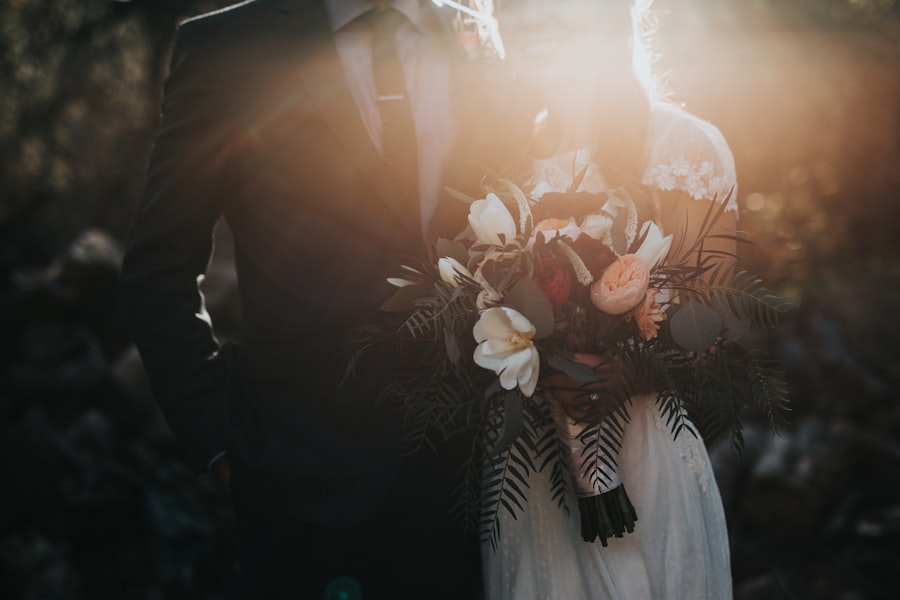
Most couples try one of two things. The WhatsApp group, where photos arrive compressed, out of order, and mixed in with 400 messages about parking. Or the Instagram hashtag, which only catches the guests who post publicly — and never gives you the original file. Either way, three weeks after the wedding you have a handful of photos and a vague sense that there were more.
A wedding photo sharing app fixes the collection problem: one QR code at the venue, one album at the end. The good ones do it without asking two hundred people to install something on the day.
Disposable mode. Each guest gets a fixed number of shots — you choose, from 10 to 72 — with no preview and no delete. They point, they shoot, the photo goes straight to the album. It is the old disposable-camera-on-every-table idea, minus the developing. People take better, braver photos when they cannot retake them.
Open mode. Guests can also upload from their camera roll, so the photos they took before they scanned the code still make it in.
By default the gallery is shared: guests see each other's photos live, which is half the fun. Switch the event to private and each guest sees only their own uploads while you see everything — right for a surprise album, or a family that would rather not scroll through each other's pictures.
One payment per event, no subscription. Same prices in the app and on the web — see pricing.
For a typical wedding of 80–150 guests, Unlimited is the plan: no guest cap and video clips up to 90 seconds. If you only want the twenty people at the after-party, Small does the job.
Sixty seconds, no account to start. Print the QR, put it on the tables, and let the day photograph itself.
No. Scanning the QR code opens the camera in the phone’s browser. iPhone users can use the AllShots app if they prefer, but it is optional.
Starter allows 10, Small 20, Medium 50, and Unlimited has no cap. You can move the same event to a bigger plan later in the app; the bigger plan is charged at its full price.
Yes. As the host you can hide any photo from guests or delete it permanently from the gallery, on the web or in the app.
On the free Starter plan, 7 days. On any paid plan, for the life of the event. You can download everything as a ZIP at any time.
Guests on Android scan the QR and shoot from the browser, no app needed. Hosts can create and manage the event from any browser at host.allshots.app.