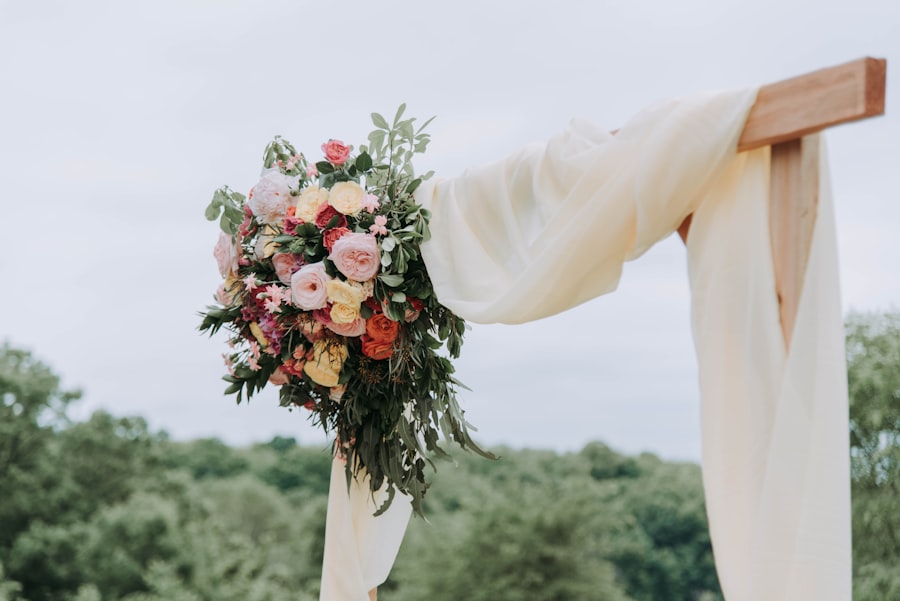
The hashtag was a clever fix for 2014. It asks guests to post publicly, gives you a compressed square instead of the photo, and misses everyone with a private account. Here is what to do instead.
By the AllShots team · Updated 21 September 2026
The best photos of your wedding will never be posted. They should still reach you.
Where the hashtag falls short
Private accounts don’t show up. A large share of your guests have private profiles; their posts never appear under the tag.
Most photos are never posted. People take forty photos and post one. The other thirty-nine are the ones you want.
You never get the file. A feed gives you a cropped, compressed version you cannot print.
It’s public. Your wedding, your guests and your family end up on the open internet under a searchable tag.
Someone has to search for it later. Nobody does.
What the alternative looks like
One QR code at the venue. Guests scan it and a camera opens in their browser — no app, no account, no posting. Every photo they take lands in a private album that only your guests can see, at high quality, from the moment it is taken. Afterwards you download everything as a ZIP, and the album is yours, not a platform’s.
Keep the hashtag if you like it — it is a nice way to name the day. Just don’t rely on it to collect the photos. Put the QR code underneath it on the sign: “#EllaAndTom — and scan to add your photos to our private album.”
Private by default, shared by choice
The album is visible to the people who scanned the code, and to nobody else. You decide the rest: whether guests see each other’s photos or only their own, whether photos show live or the next day, and whether a photo stays in the album at all. Nothing is indexed, nothing is posted, nothing leaves the circle of guests unless you send it.
Three things a hashtag never gave you
Disposable mode. Give each guest a fixed number of shots with no preview and no delete — the photos people take when they are not composing for a feed.
The memory book. Guests leave a written note or a recorded voice message next to their photos (Medium and Unlimited plans).
Everyone’s photos back to everyone. Share the album link after the wedding and every guest gets the photos of themselves — the thing they were actually hoping for from the hashtag.
How AllShots works, in one minute
Create the event on host.allshots.app or in the iPhone app. Name, date, how many shots each guest gets — done in about sixty seconds, no account needed to start.
Share the QR code (or the 6-character join code). Print it on a sign, put it on the tables, drop the link in the group chat.
Guests scan and shoot. The camera opens in their browser — nothing to install, no account. iPhone users can also use the app.
Everything lands in one live gallery you control: hide or delete anything, and download the whole album as a ZIP.
Starter — freeUp to 10 guests · 50 photos · kept 7 days
Small — $3.99Up to 20 guests · unlimited photos · kept for the event's life
Medium — $14.99Up to 50 guests · memory book & voice memories
Unlimited — $29.99Unlimited guests · video up to 90 s
One payment per event, no subscription. Same prices in the app and on the web — see pricing.
Replace the hashtag with an album
Create the event, print the QR under your hashtag, and collect every photo — not only the posted ones.
Yes. Keep the hashtag as the name of the day and put the QR code under it; the album is where the photos actually get collected.
Who can see the album?
Only the guests who scanned the code, and only what you allow: shared (everyone sees everything) or private (each guest sees only their own uploads). Nothing is public or searchable.
Do guests have to post anything?
No. They take the photo and it goes to the album. No social account is involved.
Do I get the photos themselves, not a feed?
Yes — the files, at up to 1920 pixels on the long side, downloadable as a single ZIP from the event page.
 AllShots